Running a rally as the organiser
Full walkthrough of Rally Mode for organisers — creating the rally, sharing the QR poster, running the live feed during the day, and the post-rally summary.
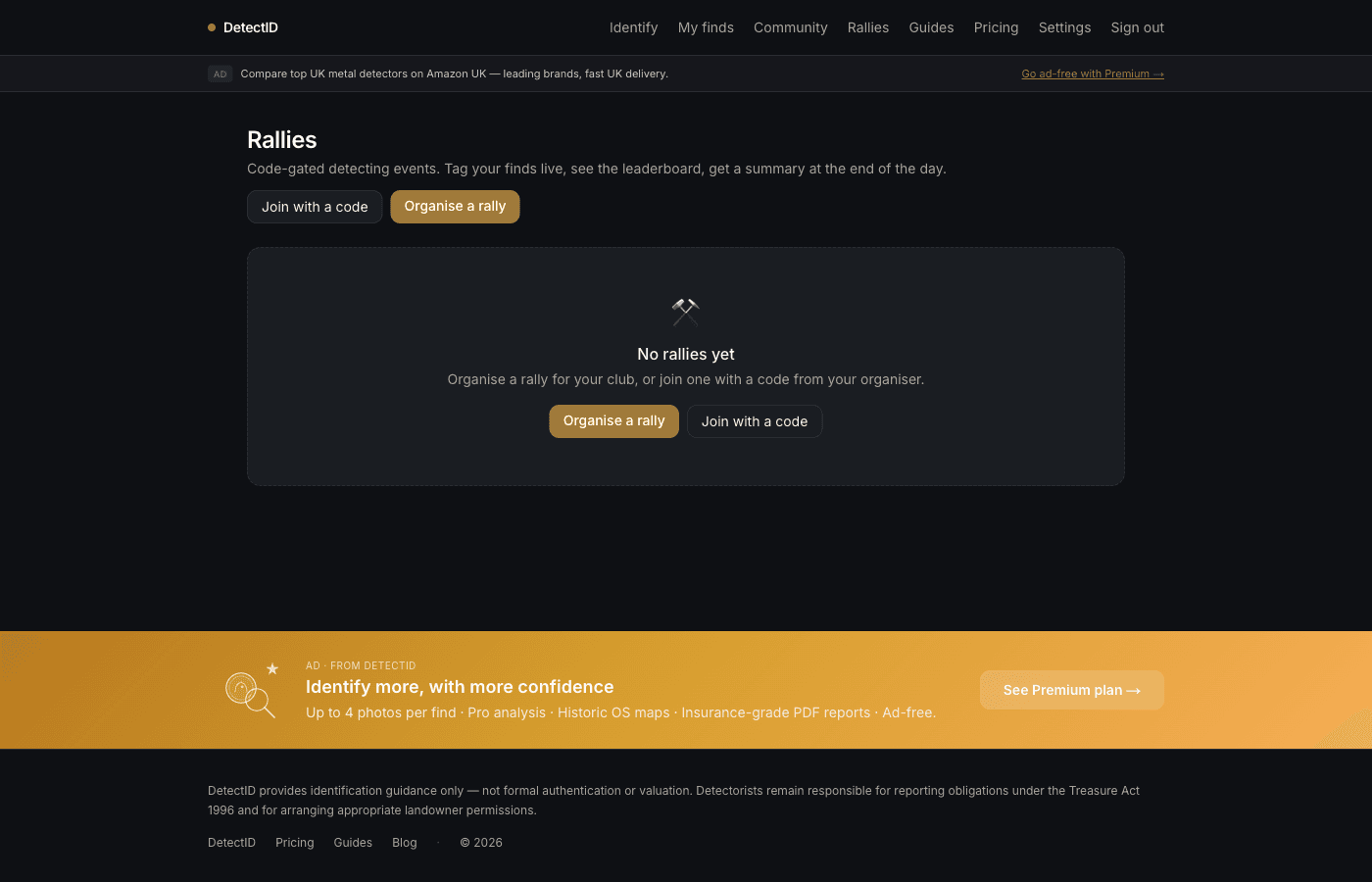
Rally Mode in DetectID gives you everything you need to run a detecting day — from a join code and printable QR poster, to a live find feed and density map during the day, to a photo book and summary for every attendee at the end. This is the full walkthrough from creating the rally to wrapping it up.
What Rally Mode is
A rally in DetectID is a time-bounded shared event with an organiser, attendees, and a code-gated entry. While the rally is live, attendees’ finds appear on a shared feed and a shared density map for the rally’s area. After it ends, everyone gets a photo book of their day and you (the organiser) get a summary.
Rally Mode is free to organise. There’s no per-attendee charge. If you run a rally that hits 10+ attendees with 20+ finds you also qualify for the Rally Captainperk — 3 months of Premium-equivalent access, stacking on top of whatever you already have.
Step 1 — Create the rally
Go to /rallies/new. You’ll see a form with these fields:
- Name.What attendees will see when they join. Keep it specific — “Mercia Detecting Spring Dig” beats “Sunday Rally”.
- Date. The day of the rally.
- Start and end times. The window when the live feed and density map are active.
- Maximum attendees. Cap the number who can join. Helps keep the day manageable.
- Location label (optional).A general label like “Near Cirencester”. Not the precise field; attendees see it for orientation.
- Charity (optional).If you’re raising for a charity, set the name here. It appears in the post-rally summary and can collect attendee contributions.
- Permission terms (optional).Free text the landowner has asked you to share — e.g. “all finds worth >£300 to be split 50/50 with the landowner”. Sets expectations clearly up front.
- Public toggle. Public rallies appear on the public /rallies page so other detectorists can find them; private rallies are code-only.
Submit, and DetectID generates an 8-character alphanumeric code (e.g. MERCIA26). The code is your handle for the rally everywhere — on the join URL, the QR poster, in chat.
Step 2 — Share the code
You have three ways to share, and most organisers use all three:
Printable QR poster
On the rally page, click QR poster. You’ll get a printable A4 sheet with the rally name, code, join URL, and a large QR pointing at the join link. Print and stick on the gate, the sign-in table, or pass around in a clipboard.
WhatsApp / Facebook group
The rally page also has a Share button that copies the join URL to your clipboard. Drop it into your club group chat or detecting group Facebook page.
The 8-character code
Anyone can type the code at /rallies/joinwithout scanning anything. Useful for attendees who don’t have the QR camera trick figured out.
Step 3 — During the rally
Once the rally’s start time passes, attendees can upload finds and they appear on the live feed in real time.
The live feed
Open the rally page on your phone. The feed shows every find as it’s posted — photo, identification verdict, who found it. Tap a find to see its detail page (still attendee-only).
The density map
The map view shows a heat-map of finds across the rally area as the day progresses. Density bands warm up where multiple attendees are finding things in the same patch. Useful for spotting productive ground and pointing newcomers in the right direction.
Anonymous mode
Each attendee can toggle anonymous mode. Their finds still appear in the feed but the dot is suppressed on the density map and their username is hidden. Respect attendees who choose it — especially newer detectorists or those finding particularly nice things who don’t want their location plotted.
Group ID
Stuck on a find? Any attendee can request a group identification from the others. The find appears as a thread in the feed; other attendees chime in with their take. The original poster picks the consensus.
Leaderboard
Optional — if you enabled it on rally creation, the leaderboard ranks attendees by find count or by best-graded find. Some organisers love this for a friendly competitive spirit; others prefer to leave it off. Your call.
Step 4 — Ending the rally
When the end time passes, the rally automatically transitions to its ended state. Three things happen:
- Photo book PDF. Every attendee can download a PDF of their own finds from the day, with photos and identifications. Sent via email automatically the next morning; also available from the rally page indefinitely.
- Organiser’s summary. You get a recap email: total attendees, total finds, top finds, leaderboard (if on), charity total (if applicable), notable identifications.
- Rally Captain check.If the rally cleared 10+ attendees and 20+ finds, you automatically receive 3 months of Premium-equivalent access — ad-free, 200 identifications per month, the “★ Rally Captain” badge on your public profile. The clock extends; it doesn’t reset, so two qualifying rallies a year keep you on the perk permanently.
Charity tracking
If you set a charity on rally creation, the rally page displays a running total of attendee contributions. Attendees mark a find as contributing (e.g. agreed to donate a percentage of valuation), and the total updates in the post-rally summary. DetectID doesn’t handle the money — you collect that the way you always have. The tracker is for transparency.
Kicking an attendee
From the rally page, you can remove an attendee. Useful if someone’s joined who hasn’t paid the rally fee, or who you don’t want on the feed. Their finds stay attached to them on their own account; they just lose access to the rally feed.
Common organiser questions
Can I edit the rally after creating it?
Yes — name, location label, charity, permission terms can all be edited up until start time. Start and end times can be adjusted up to 30 minutes before start.
What if the rally gets rained off?
Edit the date and times to the new day. The code stays the same; attendees who’ve already joined keep their access.
Can I run a multi-day rally?
Yes. The start and end times can span multiple days.
Next steps
- Joining as an attendee: Joining a rally as an attendee.
- The maps inside the rally: Using the maps and pins.
Try DetectID on a real find
Upload a photo and we’ll return a calibrated shortlist with period, denomination, ruler and full reasoning chain.
Identify a find