Joining a rally as an attendee
How to join a DetectID rally — scanning the QR or typing the code, uploading finds during the day, anonymous mode, Group ID, and the end-of-rally photo book.
You’ve signed up for a rally or club night that’s running on DetectID. Here’s exactly how to join, what you’ll see during the day, and how to make the most of it.
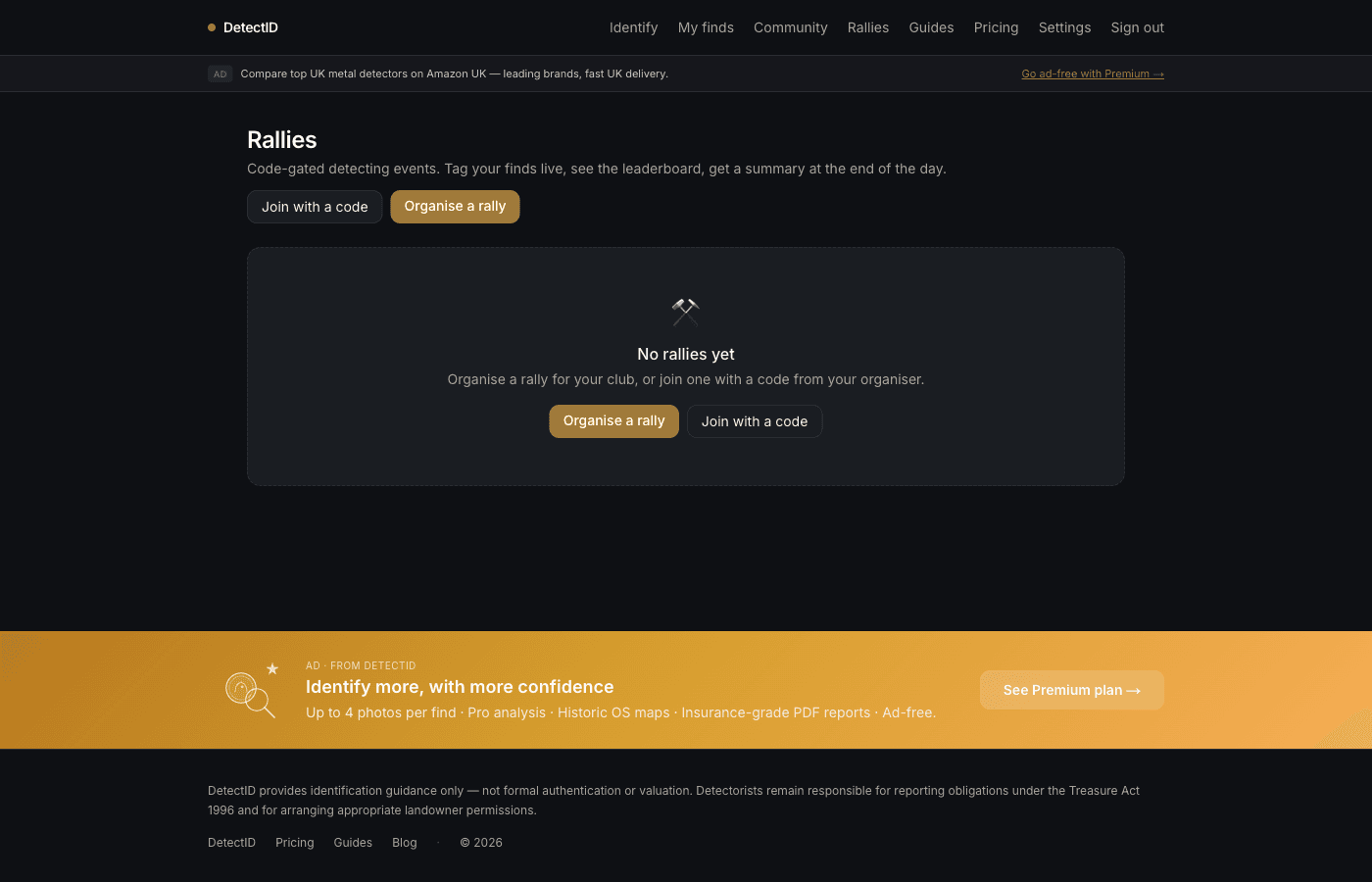
Two ways to join
Scan the QR code
The organiser will usually print a QR poster and stick it on the gate or sign-in table. Point your phone’s camera at it (no special app needed), tap the notification, and you’ll land on the join page. If you’re signed in, you join immediately. If not, magic-link sign in first — you’ll be returned to the join page automatically.
Type the code
Go to app.detectid.co.uk/rallies/joinand type the 8-character code (e.g. MERCIA26) the organiser shared. Tap Join rally. Done.
What you’ll see
Once joined, the rally page shows three main areas:
- Live feed— every find every attendee uploads, in chronological order, with photo and identification.
- Density map— a heat-map of the rally area, warming up where multiple attendees have found things.
- Attendee list— who else is in the rally.
- Leaderboard(if the organiser turned it on) — ranking by find count or best graded find.
Uploading finds during the rally
While the rally is live, every find you upload via/identifyautomatically attaches to the rally. You don’t need to do anything special — just upload as you normally would. Your find appears in the live feed within a few seconds.
On the upload form you’ll see a small banner confirming you are uploading inside the rally. If for some reason you want to upload a find that’s not part of the rally, you can detach it from the rally on the find’s detail page later.
Anonymous mode
Want to participate without your finds being plotted on the density map? Toggle Anonymous modeon the rally page. Your finds still appear in the feed (without your username, just “Anonymous attendee”), but they don’t contribute a dot to the density heat-map.
Use cases for anonymous:
- You’ve found something noteworthy and you’d rather not have it plotted.
- You’re newer to detecting and don’t want a busy timeline of small finds clogging the feed.
- You’re part of the rally but on a slightly different patch and don’t want to skew the density data.
Group ID — getting a second opinion
Stuck on a find? Open it on the rally page and request a group identification. The find appears as a thread on the feed; other attendees can chime in with their thoughts. The original poster marks the consensus when one emerges.
Group ID is one of the best parts of Rally Mode — experienced detectorists who happen to be at the same rally can help newcomers in real time, which never quite works in a generic forum.
At the end of the rally
When the rally ends:
- Photo book.You get a PDF of your finds from the day — photos, identifications, the lot. Sent via email and available from the rally page indefinitely.
- Saved finds. Every find you uploaded stays in your collection at /finds just like a normal upload. You can edit them later, share them publicly, and they count in your stats.
- Rally retains as a record.The rally page stays accessible — you can revisit it any time, see who came, remember the day.
Practical tips
- Have your phone charged. Bring a power bank for a long day. The live feed and uploads use battery; running it all day flat can drain you.
- Signal can be patchy.If your photos won’t upload in a damp field, take them and let them queue. They’ll go up when you find signal again, retaining the time-of-find as the timestamp.
- Don’t feel obligated to ID everything immediately.A bag of buttons and shotgun shells doesn’t need to clog the feed. Upload the ones you actually want identified.
- Share your finds publicly later if you want.Sharing publicly is a separate step (covered in oursharing findspost) — the rally feed is internal to attendees.
Leaving a rally
Mid-rally, you can leave from the rally page (it removes you from the attendee list and the feed; your already-uploaded finds stay on the feed but as “Past attendee”). The organiser can also remove you if there’s a sign-in issue.
Common questions
Do I need Premium to join a rally?
No. Any plan can join. The rally counts your finds against your normal monthly identification quota.
What if I run out of identifications mid-rally?
Two options: top-up packs at /pricing, or keep taking photos and identify later in the month when your quota resets. The find rows themselves are free to log — identification is the cost.
Can I join a private rally without the code?
No. Private rallies are code-only. Ask the organiser to share it.
Next steps
- If you’re thinking of running your own: Running a rally as the organiser.
- Sharing the finds afterward: Sharing finds publicly.
Try DetectID on a real find
Upload a photo and we’ll return a calibrated shortlist with period, denomination, ruler and full reasoning chain.
Identify a find