Detecting sessions: tagging finds to a permission
How to use DetectID's detecting sessions to group your finds by permission, rally, or trip — including labelling conventions and review patterns.
A detecting session in DetectID is a labelled window of time — usually a single day, sometimes a single permission — that finds upload into. Sessions are how you go from a list of random finds to a structured detecting record: which permission gave which finds, how productive a club night was, how many sessions it took to find a hammered silver.
What a session is
Internally a session is just a row with a label, a start time, and (when you end it) a stop time. Any find uploaded while a session is open and tagged to that session shows up grouped with the others from that session.
Sessions are private to you. They don’t appear on public feeds or other detectorists’ views.
Starting a session
Two routes:
From the map page
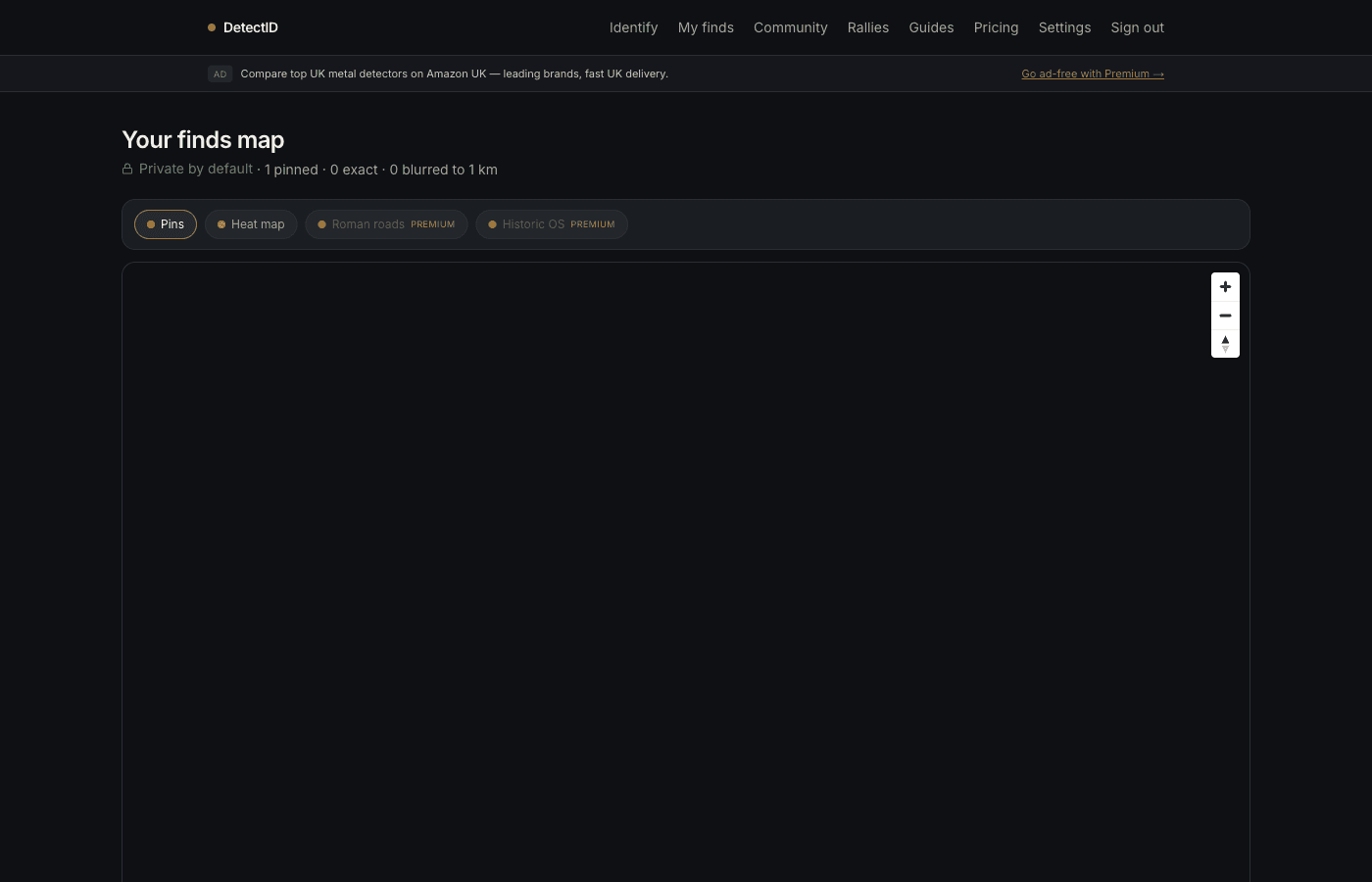
- Go to /finds/map.
- On the right-hand “Detecting sessions” panel, type a label into the text box. Examples: “Old Plough Lane”, “Manor Farm AM”, “Beach Cleanup Mar 12”.
- Tap Start session. The panel switches to show your active session with a timer.
From the upload form
When you expand the “Location (optional)” accordion on/identify, any currently-open sessions appear in a dropdown. Pick one to attach the find directly. If you leave it on the default open session, the find joins it automatically.
What gets auto-tagged
While a session is open, every find you upload from any device, any browser, signed in as you, is tagged to that session unless you explicitly pick a different one in the upload form.
There’s no limit on the number of finds per session. There’s no limit on how long a session can stay open — you can run one across a whole weekend if you’re on a multi-day rally.
Ending a session
Tap End session in the same panel. The end time gets stamped. Future finds revert to the default behaviour (no session, or attached to whatever you pick at upload).
Reviewing past sessions
On the map page, scroll the sessions panel down to see your past sessions. Each one shows:
- The label you gave it.
- Start date.
- Find count from that session.
Tap a past session to filter the map to just that session’s finds, or use it to spot patterns — which fields are productive, which months delivered the best finds, where your time has actually gone.
Good naming conventions
Session labels are free text up to 120 characters. Conventions that hold up well over time:
- Permission-first.“Manor Farm — East field”. Lets you compare productivity across the same land season by season.
- Date-tagged for rallies.“Mercia Rally 2026-05-25”. Useful when you go back through a year of detecting and want to remember which event.
- Time of day for shared permissions.“Old Plough Lane AM”, “Old Plough Lane PM”.
What to avoid: anything that’d be embarrassing on a public screenshot. Sessions are private but they appear in your own screenshots and exports.
Use cases that work well
Productivity per permission
Run a session for every visit to the same permission. After a season or two you can see exactly which permissions are paying their way and which are tired.
Rally days
If you’re attending a rally, run a session for it. Group your finds together for the post-rally write-up; export them as a single CSV slice (coming next batch of features).
Multi-day permissions
Long permission lets that span a weekend? One session per day, or one across the weekend — both are fine. The session is just a grouping; granularity is yours.
Detecting holidays
A week away with the detector? One session per location or one for the whole trip. Either way, the finds stay tied to a recognisable label.
Sessions and the stats dashboard
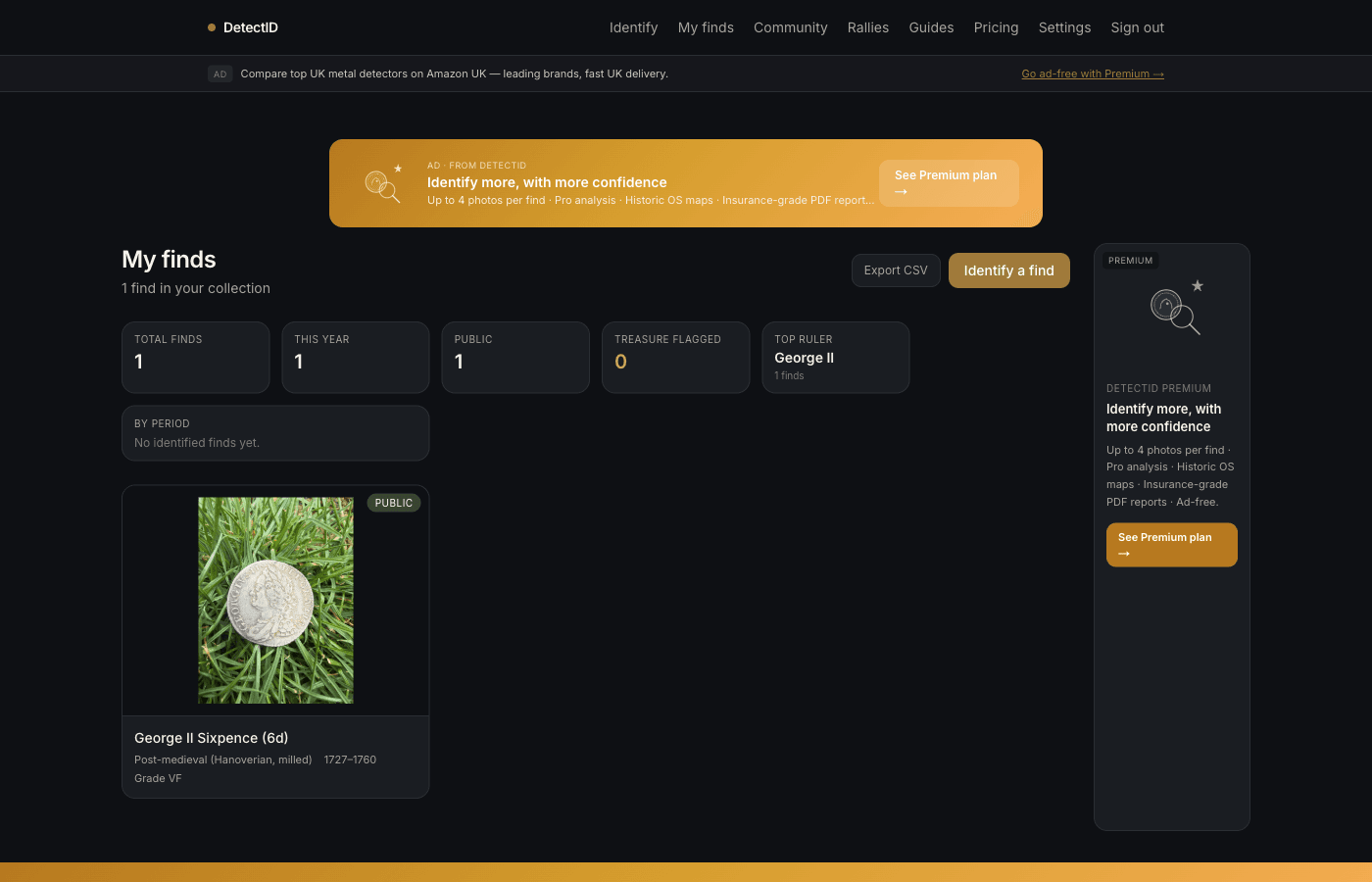
The collection stats on /findsaren’t per-session yet — they aggregate everything you’ve logged. A per-session breakdown is in the next batch of free add-ons, alongside achievement badges and the brand leaderboard.
Privacy reminder
Sessions are private. The label, the times, and the find breakdown are visible only to you. Nothing about your sessions appears on your public profile or in the discovery feed. If you share a specific find publicly, the find’s location is shared at the precision you chose — the session label itself isn’t.
Next steps
- Map view + pins: Using the maps and pins.
- Group sessions across multiple detectorists: Running a rally as the organiser.
- Tracking your stats: Reading your collection stats + exporting to CSV.
Try DetectID on a real find
Upload a photo and we’ll return a calibrated shortlist with period, denomination, ruler and full reasoning chain.
Identify a find