Magic-link sign in — why DetectID has no passwords
How DetectID's password-free sign-in works, why it's actually safer than passwords, and what to do when something doesn't go to plan.
DetectID doesn’t have passwords. Sign-in works by sending a one-tap link to your email each time — what’s called “magic-link” or “passwordless” auth. It’s a different mental model to what most websites do, and it’s genuinely safer. Here’s how it works and what to do when something doesn’t go to plan.
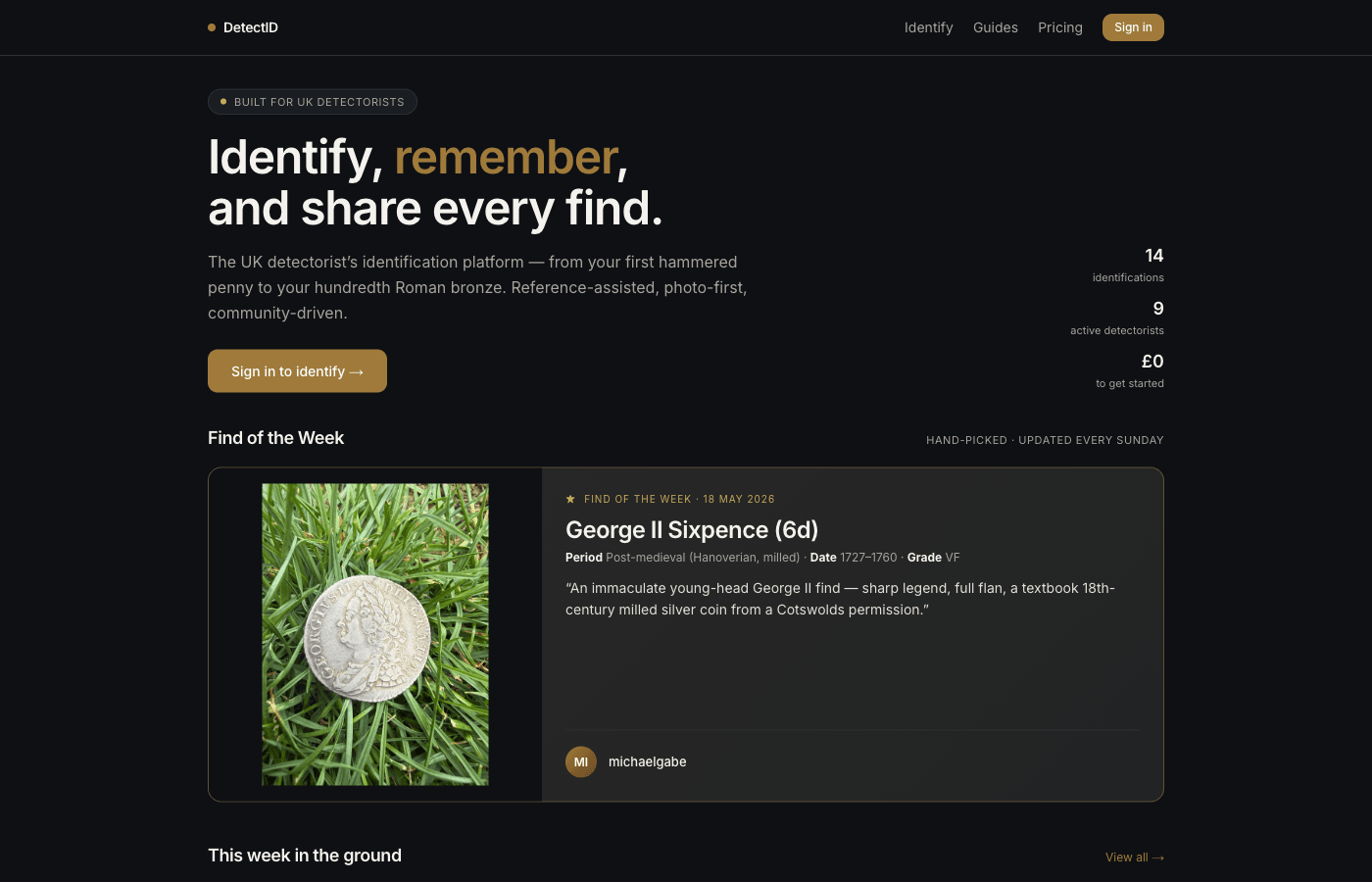
How signing in works
- Go to app.detectid.co.uk/auth/login.
- Type your email address. No password field.
- Tap Send me a magic link.
- Within 30 seconds you get an email titled something like “Your DetectID sign-in link”.
- Tap the button or link in that email. You’re signed in.
That’s it. No password to forget, no password to phish, no password to reuse across sites.
Why no passwords?
Most password leaks aren’t leaks of your password
Roughly a billion username-and-password pairs have leaked from various services over the last decade. People reuse passwords across sites. A leak at Site A becomes an attack on Site B when someone tries the same email + password there. Magic-link sign-in breaks the chain — we have no password to leak in the first place.
Phishing is harder
A phishing site can show you a fake DetectID login screen and capture whatever you type. If you typed your password, the attacker now has it. With magic-link, the phisher captures your email address — useful but far from a session. The real login link goes to your actual inbox, not theirs.
Account recovery is just “send me a link”
On a passworded site, “I forgot my password” triggers a reset email that’s essentially a one-time link to set a new password. We just skip the password part — the email link signs you in directly.
What the link contains
A one-time code tied to your email. The link expires after one hour and stops working after a single use. If you click it twice, the second click fails — that’s a feature, not a bug, because it means someone copying the link from your inbox after you’ve used it can’t reuse it.
When the link doesn’t arrive
Wait 60 seconds first
Email is sometimes slow. Mostly it arrives in 5–15 seconds, but occasionally up to a minute. Don’t request another link right away — you’ll get rate-limited.
Check spam / junk
First-time sign-ins occasionally end up in the spam folder. Move the email to your inbox once, and future ones go straight there.
Check the email address
Typos happen. gary@gmial.comdoesn’t exist. If you don’t see the email and you’re sure you’ve waited, try the login form again with the correct address.
Rate-limited?
If you request several links in a short window, our rate-limit will pause new requests for a few minutes. Wait 5 minutes and try again.
Changing the email on your account
Need to switch to a different email address? The self-service change-email flow is in development. Until it ships, emailadmin@detectid.co.ukfrom your current registered address and we’ll migrate the account manually within a few days.
If you lose access to your email
This is the genuine edge case. If you can’t access the email address tied to your DetectID account, you can’t sign in.
Two paths:
- Recover the email itself. Most email providers have account-recovery flows (security questions, a backup phone number, sometimes a paper recovery code). Use those first.
- Email admin@detectid.co.uk from any address.We can verify identity via other signals (recent activity, a recognisable detecting pattern, recent finds you can describe) and migrate your account to a new email. This is a manual process and takes a few days; we’d rather be slow and careful than quick and wrong.
Two-factor authentication?
Magic-link auth is single-factor (the email account is the factor). Two-factor authentication (an authenticator app or text-message code) is on our roadmap but not shipping yet. Until then, the strongest protection is securing your email account with 2FA at your email provider.
For most detectorists, the threat model isn’t targeted attacks on their account — it’s casual phishing and password-reuse risks. Magic-link addresses both of those adequately for the platform we’re building.
Signing in across multiple devices
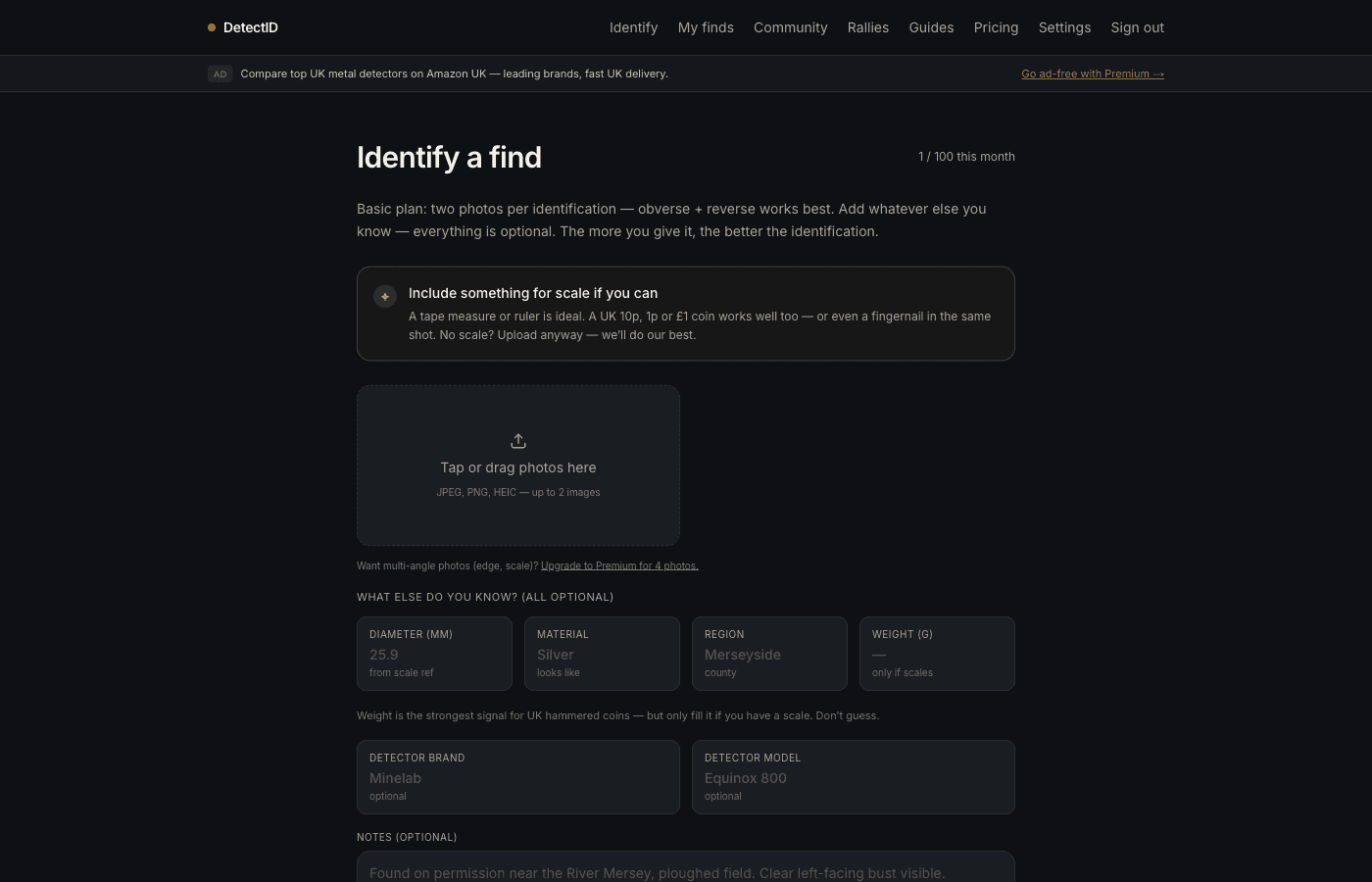
Magic-link sign-in works the same on every device — phone, tablet, laptop, work desktop. Each device that signs in stays signed in until you sign out, your cookies expire (about a year), or you actively sign out from Settings.
We don’t limit the number of devices. If you have a phone in the field and a laptop at home, both work.
Signing out
From any page, click your profile menu and tap Sign out. That clears the session on the current device. Other devices stay signed in.
A “sign out everywhere” option (to invalidate sessions across all devices at once) is in development. Until it ships, if you lose access to a device and want to be sure no session remains, emailadmin@detectid.co.ukand we’ll force-invalidate.
Common questions
Why do I have to do this every time? Can’t I just stay logged in?
You do stay logged in — for about a year, on each device. You only need a fresh magic-link if you signed out, your browser cleared cookies, or you’re on a new device.
Can I use the same account on multiple phones?
Yes — sign in on each phone with magic-link. Each device stays signed in independently.
Does the magic link work on a different device than the one I requested it on?
Yes. You can request a magic link on your laptop and tap it from your phone. Useful when you want to sign in on a device that doesn’t have your email but you have your phone with you.
What if I get a magic link I didn’t request?
Someone has typed your email into the DetectID login form. Don’t click the link — just ignore it and the link expires in an hour. Your account is not compromised; only clicking the link signs anyone in.
Next steps
- Tour of the settings page: Your settings page, explained tile by tile.
- Email transparency: What emails DetectID sends.
- Privacy in depth: Privacy and location precision.
Try DetectID on a real find
Upload a photo and we’ll return a calibrated shortlist with period, denomination, ruler and full reasoning chain.
Identify a find