Your settings page, explained tile by tile
Every setting on DetectID's /settings/profile documented — defaults, plan management, privacy controls, email preferences, and the easy cancel button.
Every setting on DetectID lives at app.detectid.co.uk/settings/profile. This is a tile-by-tile walkthrough — what each control does, when you’d use it, and the reasoning behind a few of the more opinionated defaults.
Profile section
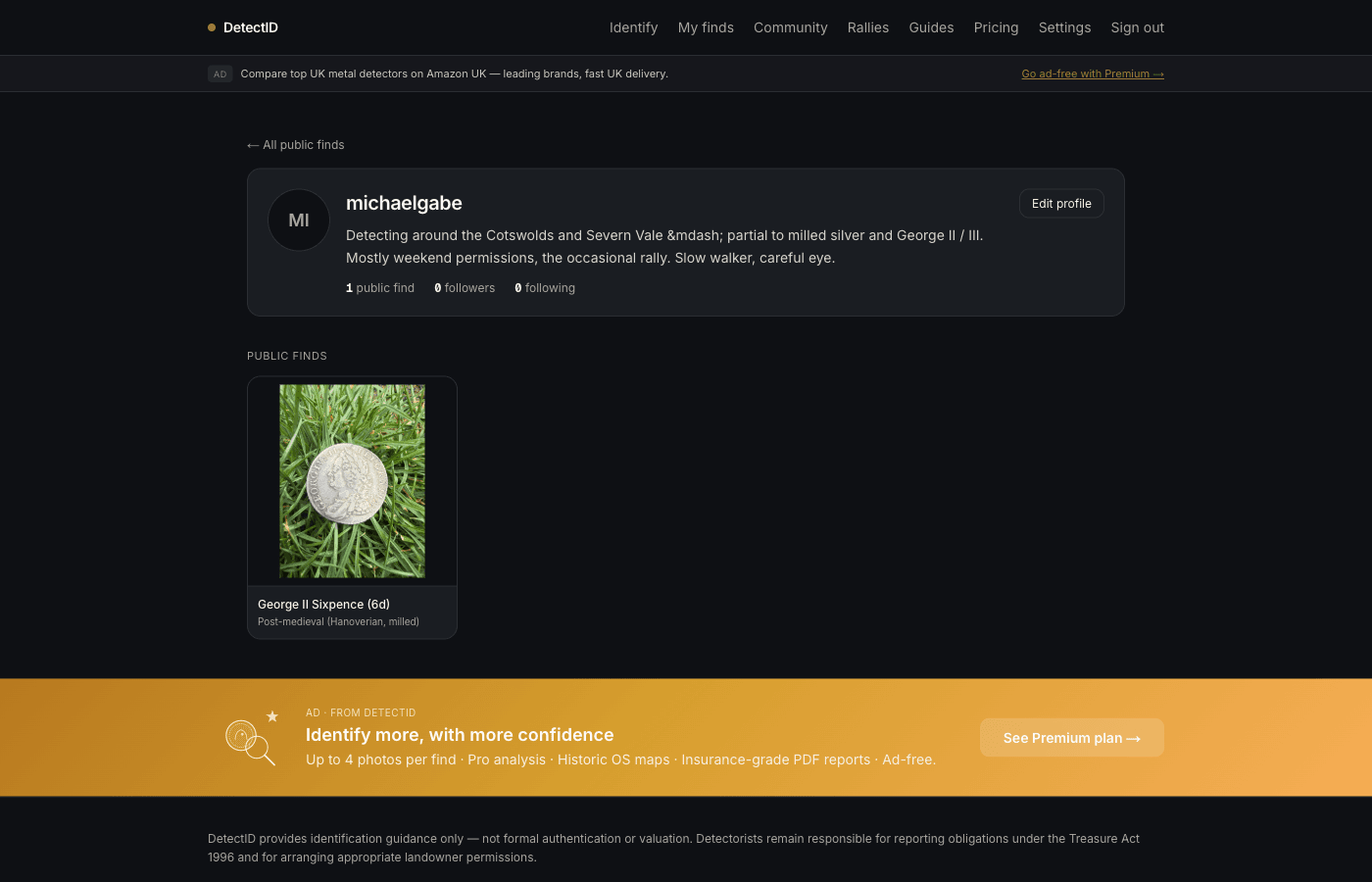
Avatar
Upload a profile photo — JPEG, PNG, WebP or HEIC. The avatar appears alongside your public username everywhere your finds are shown. If you skip the upload, your initials appear in a coloured tile instead.
Public username
The handle that appears wherever your finds are shown publicly. Lower-case alphanumeric plus hyphens, 3–30 characters, unique across DetectID. Setting one is optional — leave it blank and your shared finds show as “Anonymous detectorist”.
Changing your username later doesn’t break your account, but any public URLs of the form /u/old-usernamestop working. Pick something you’ll be happy with for years.
Bio
Up to 200 characters of free text shown on your public profile. Useful for explaining the kind of detecting you do, where you operate, how long you’ve been at it. SeeBuilding your public profile for guidance.
Bio & opt-ins
The bio above appears alongside two email opt-in toggles — the weekly community digest and Find of the Week notifications. See the Email section below.
Blocked detectorists
If you’ve blocked anyone, they appear in a list here. Tap unblock next to a user to lift the block. Blocking stops a user’s comments appearing on your finds.
Detecting defaults
Default location precision
Sets the precision applied to a find when you skip the Location picker on /identify. Five options:
- Exact — private, never shared at exact even on public finds.
- 1 km grid — recommended for most users.
- 10 km grid — rough region.
- County only — no map dot.
- Hidden — completely off the map.
Full breakdown in Privacy and location precision. You can override the default on any single find at upload time.
Default detector brand
When you tag your first find with a detector brand, it gets stored here as your default. Subsequent uploads pre-fill the brand field. Useful for the 95% of detectorists who run one main machine.
Clearing the field stops auto-prefill. Manually changing a find’s brand on upload doesn’t change the default unless this field is empty.
Default detector model
Same as brand — the model you used on your first find-with-detector becomes the default. Edit at any time.
Plan and quota
Current plan
Shows your active plan (Free, Basic, or Premium). Plan changes and billing aren’t fully wired yet — the payment flow is in build. Until then, paid plans are credited manually on request.
Identification quota
Live counter: how many identifications you’ve used this month, how many remain. Resets at the start of each calendar month.
Top-up credits
Each profile has a topup_credits balance that adds to your monthly tier limit. The purchasing flow for top-ups is in development; today, credits can be added on request via support.
Rally Captain status
If you’ve qualified, this section shows your current Captain expiry date and your total qualifying rallies. SeeThe Rally Captain perkfor how it works.
Email and notifications
Email address
Your sign-in email is shown for reference. If you need to change it, email us at admin@detectid.co.uk— we’ll migrate the account manually. A self-service email-change flow is in development.
Email preferences
Two opt-in toggles live on the bio panel:
- Weekly community digest — a Sunday email summarising the week’s standout public finds. Default on.
- Find of the Week notifications — emails you only if your find is the editorial pick that week. Default on.
Essential emails (sign-in magic links, rally end-of-day summary, Rally Captain qualification) can’t be turned off — they’re tied to specific actions you took.
Privacy and data
Delete account
The Delete account form is at the bottom of the settings page. A soft delete: your is_deletedflag is set, your public username is cleared so the public surface drops you immediately, and you’re signed out. A self-service export of your data is in development — for now, the CSV export from /finds captures the bulk of your record. If you want a complete export before deletion, email us first.
Common questions
Can I have two DetectID accounts?
Yes — one per email address. People sometimes maintain a personal account and a club account, or a beach-detecting account and a field account. Each is independent.
Can I merge two accounts?
Not via self-service yet. Email support if you need to merge accounts that have built up history — we can do it manually.
What happens to my settings when I cancel?
Settings persist. Your default precision, public username, detector defaults all stay on your account — they apply again immediately if you re-subscribe.
How do I get a billing receipt?
Receipts are emailed automatically each month. You can also download them from the billing section of Settings.
Next steps
- Sign-in mechanics: Magic-link sign in.
- What goes public when you share: Sharing finds publicly.
- Plans and billing: Free, Basic, Premium plans.
Try DetectID on a real find
Upload a photo and we’ll return a calibrated shortlist with period, denomination, ruler and full reasoning chain.
Identify a find